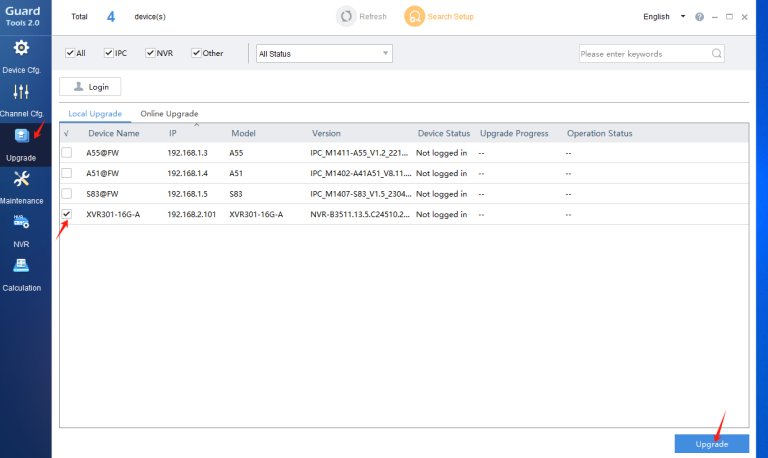
Operation steps:
- To ensure the availability of the USB drive, it is recommended to format the USB drive with DiskGenius first.
- Create a directory recover in the USB drive, which contains the latest version upgrade file Program.bin

- Insert the USB flash drive into the device, then restart the device, and the device will automatically upgrade.
- After the USB flash drive is successfully upgraded, the buzzer will sound. If the device is not restarted, the buzzer will keep sounding. Unplug the USB flash drive and restart the device, and the buzzer will sound normal. After the device is restarted, check whether the software version is the version that needs to be upgraded.